 01
01About 2.5 hours
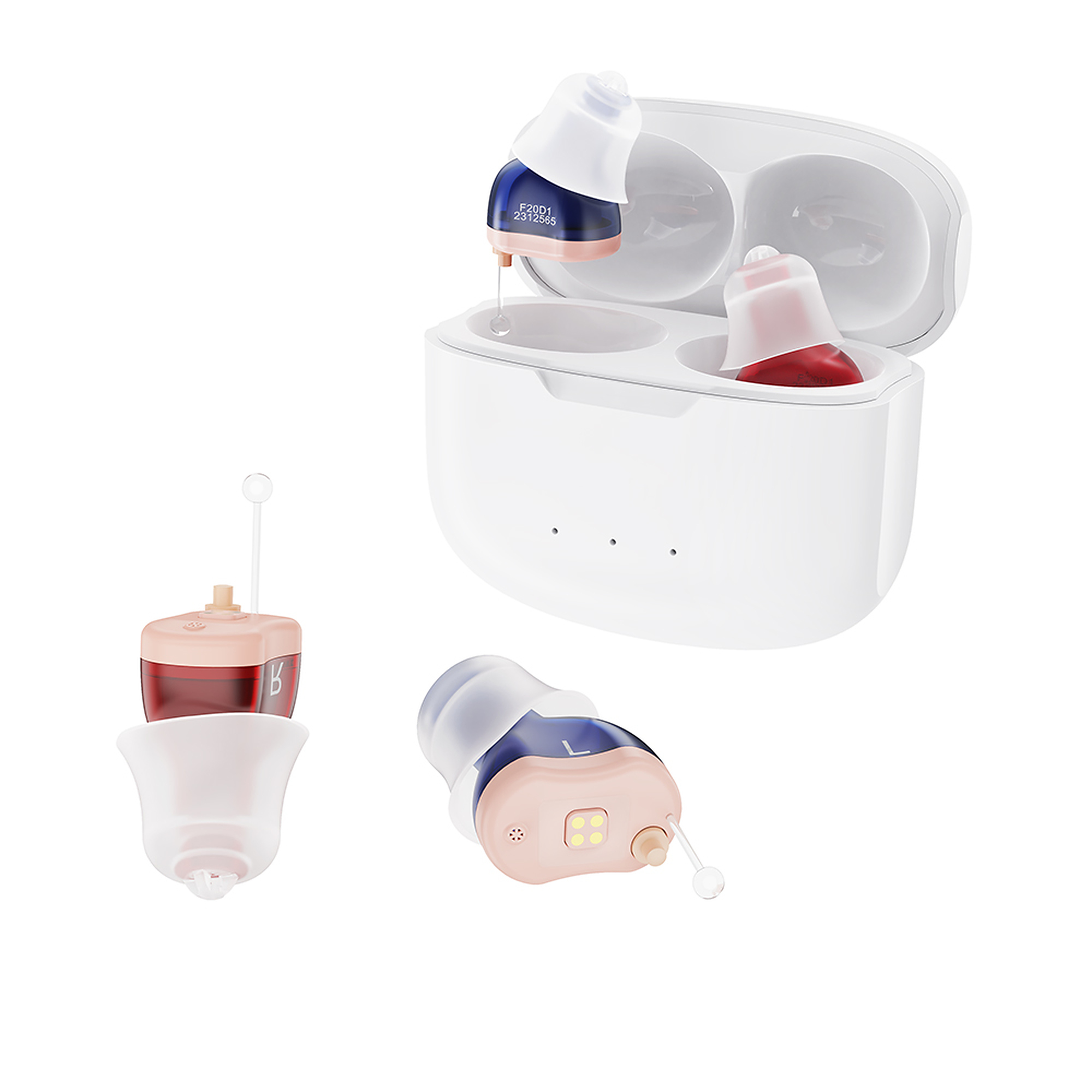
Charge before first use
A full charge takes about 2.5 hours.
HEARING CARE HUB / AUSTONE / F20D1
Rechargeable CIC Hearing AidGet comfortable, get set up, and solve common problems in just a few steps.
OVERVIEW
Supports everyday listening and may help improve listening comfort. Results vary with hearing condition, fit, volume and environment.
START HERE
Choose a task. Watch the short video first when one is available, or open the steps inside the card.
01A full charge takes about 2.5 hours.
 03
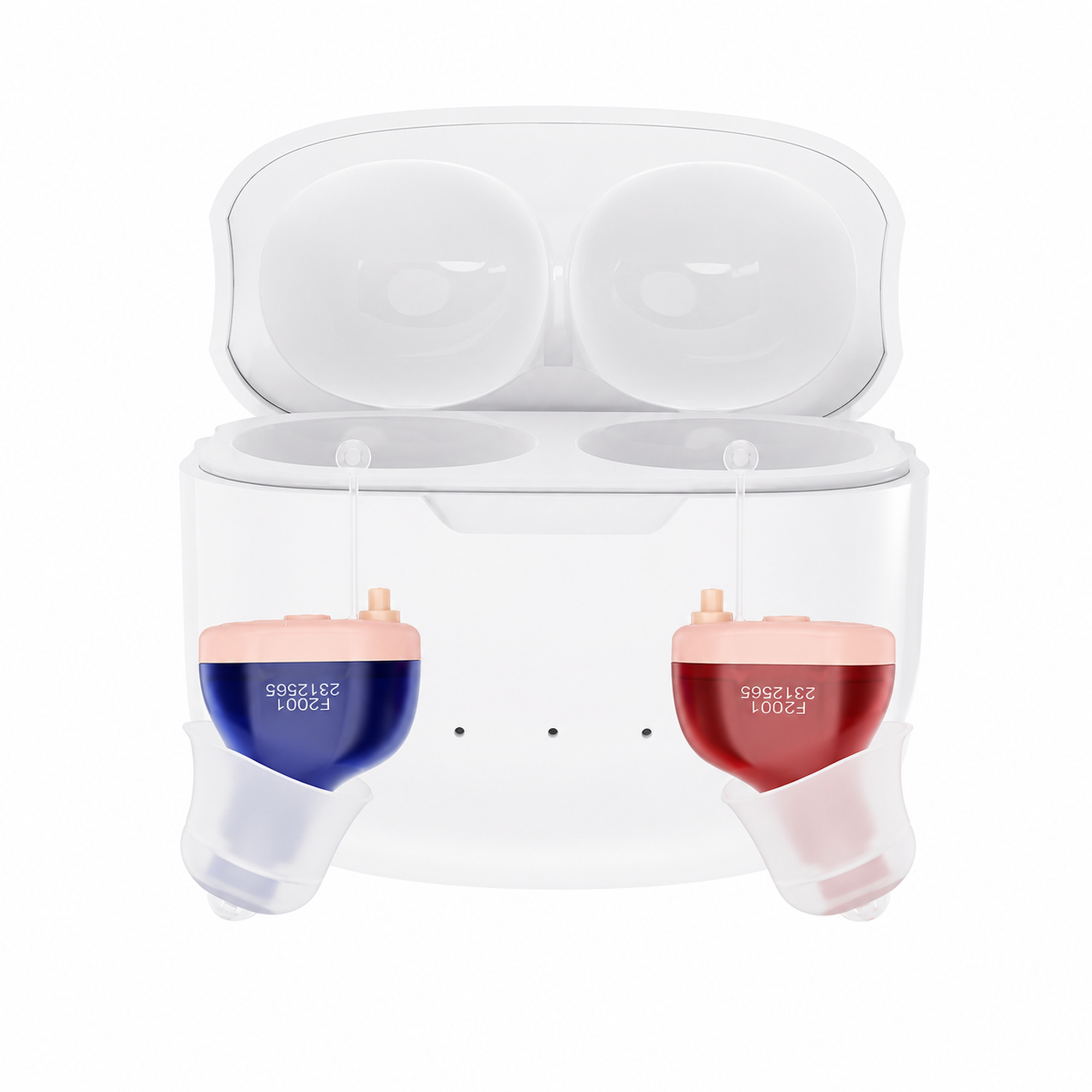
03Correct orientation improves comfort and helps prevent feedback.
 0405
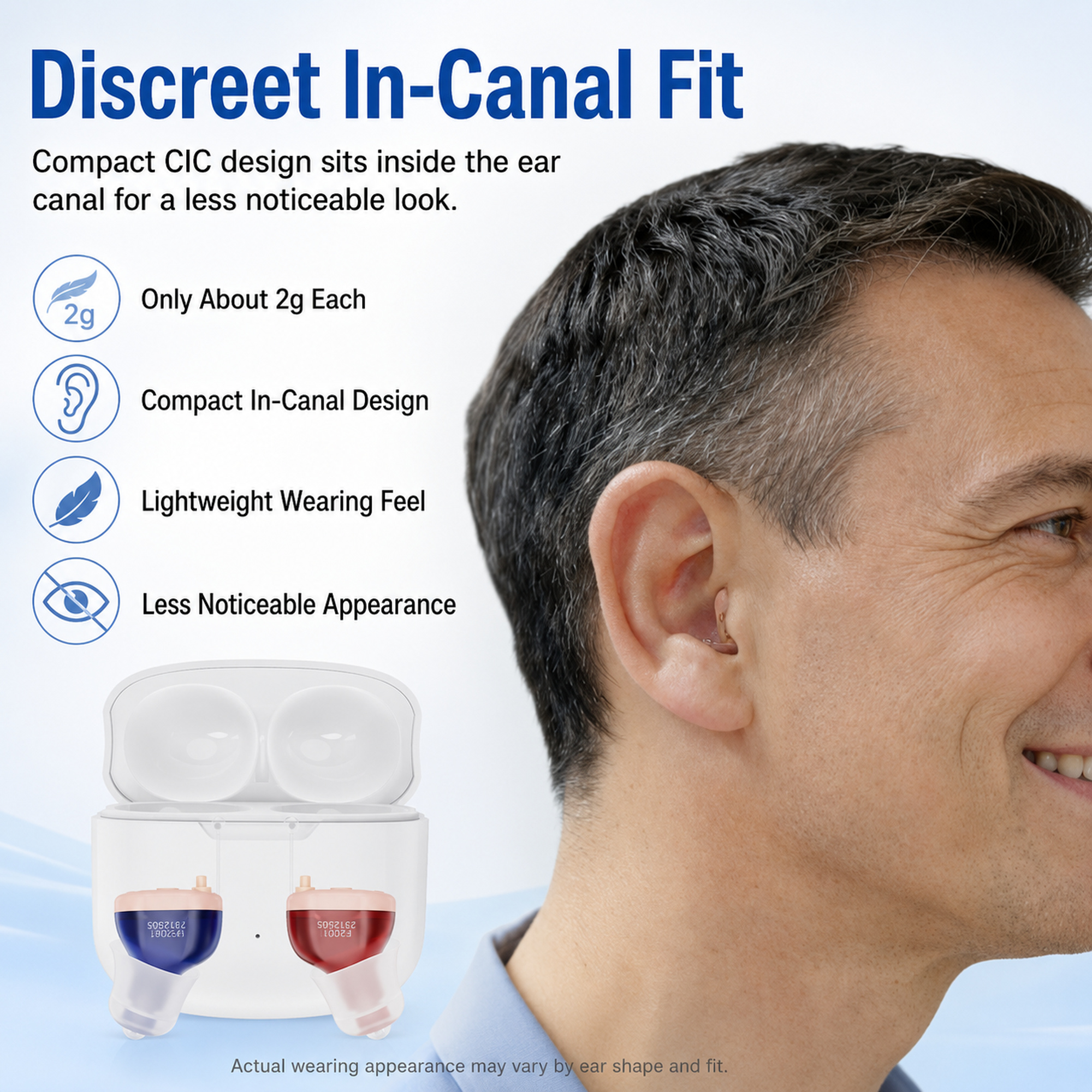
0405Build wearing time gradually while your brain adapts.
05ADAPTATION
Follow the published guidance for this product at your own pace.
Increase wearing time gradually and practice with television or a small conversation when comfortable.
Move into outdoor or busier listening situations at your own pace. Lower the volume or take a break if sound feels tiring.
VIDEO
Short product lessons with simple, repeatable steps.
▶FEATUREDSee the ear-tip-first method and correct downward removal-cord direction.
▶2:40Compare sizes and attach a replacement securely.
 ▶3:10
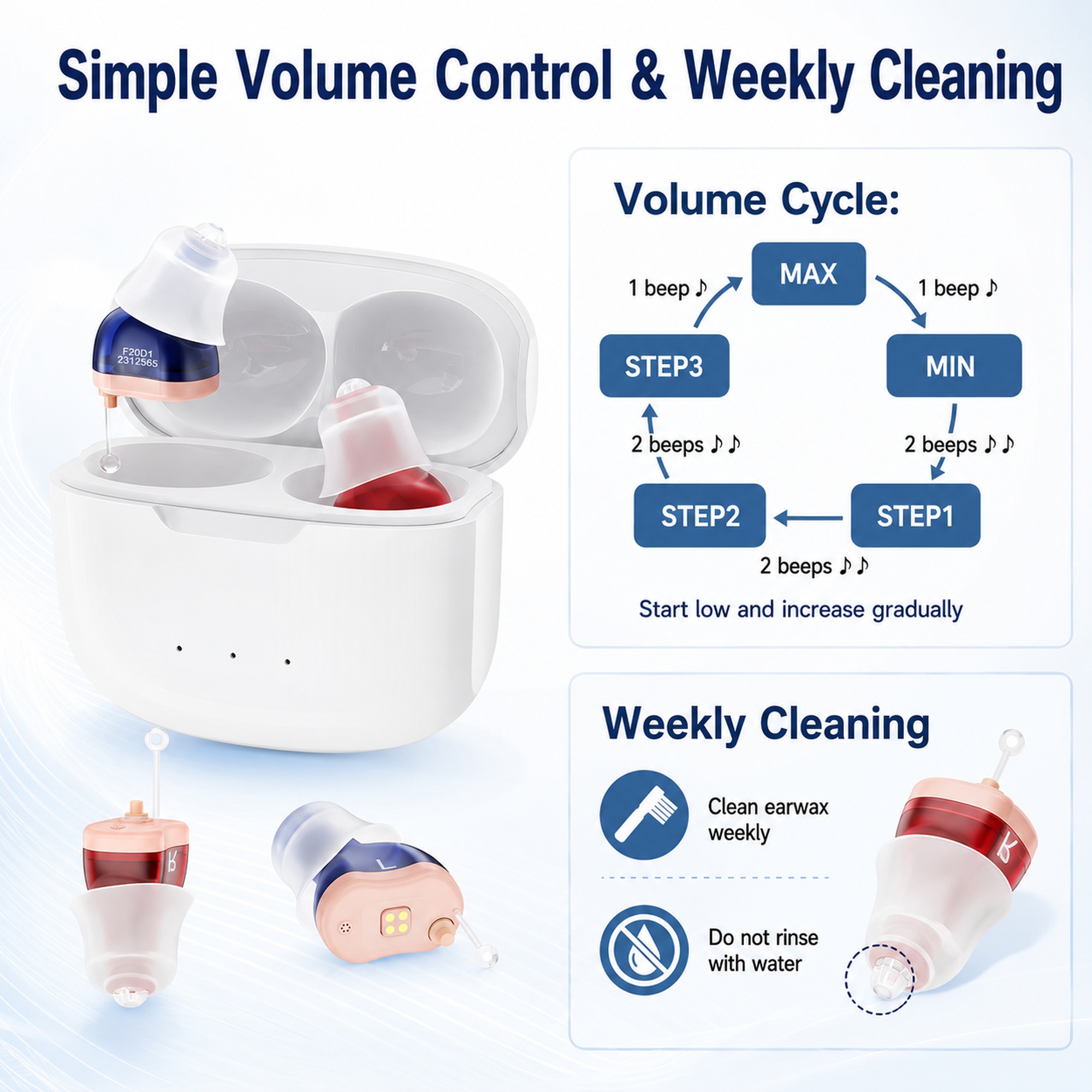
▶3:10Change volume and switch listening programs.
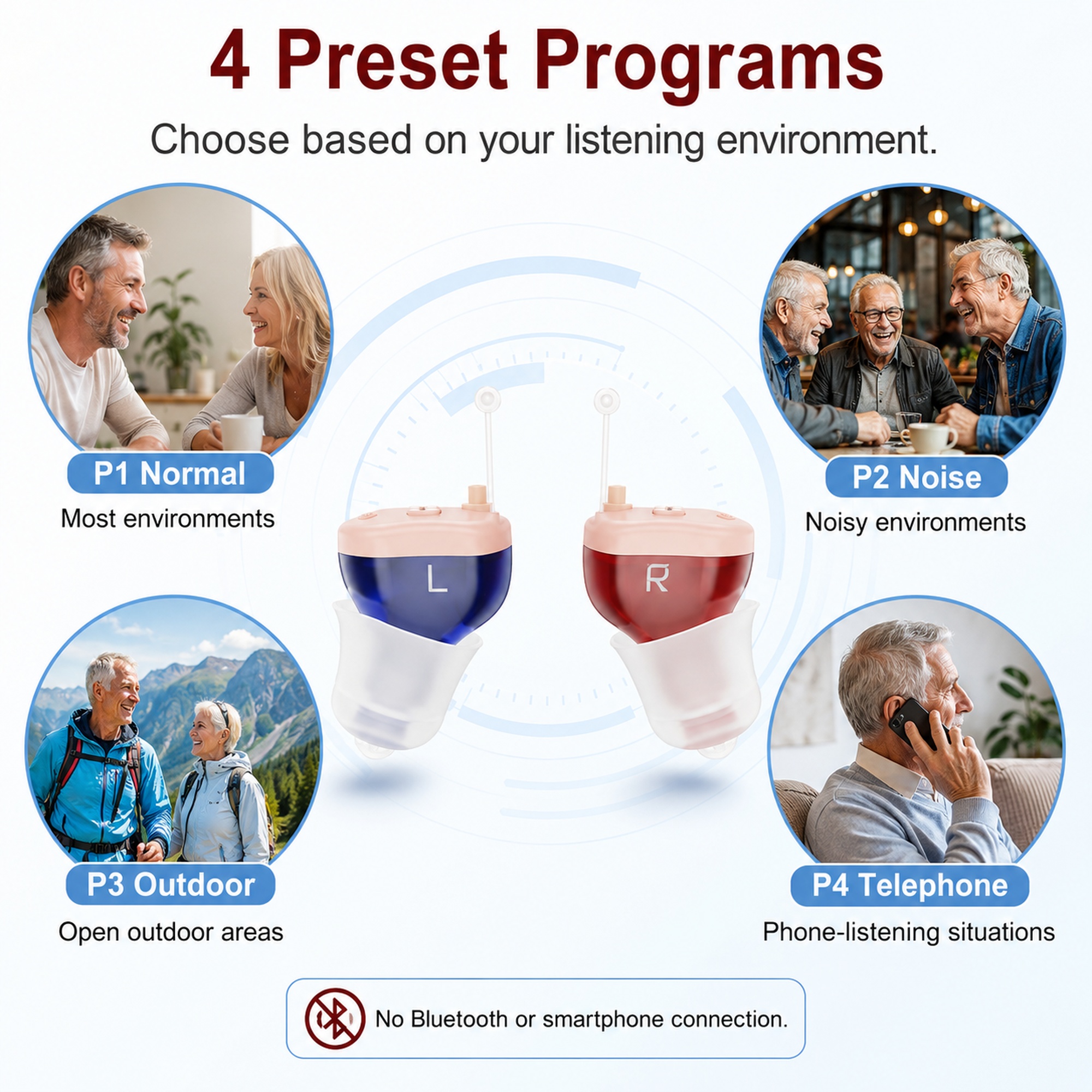 ▶SHORT GUIDE
Learn how to select P1 Normal, P2 Noise, P3 Outdoor and P4 Telephone.
▶2:50Clean the shell ear tip and wax guard safely.
TROUBLESHOOTING
Choose the problem first. We will guide you through one check at a time.
Most common issues can be solved in a few minutes.
FAQ
Search common questions about fit, charging, volume and feedback.
RESOURCES
Download the guide you need. Resources are managed for this product in the support CMS.
Complete instructions, safety information and product reference.
A short guide to ear-tip selection, insertion and first fit.
Weekly cleaning and maintenance instructions.
Warranty coverage and support information for F20D1 owners.
CONTACT SUPPORT
Describe what is happening. Add a photo or video if it helps, then send your request directly to our support team.